I’ve been building small tools and putting them at moreutils. I use them myself and share them with friends. They’re free, with no accounts or ads.
This was inspired by Joey Hess’s moreutils, a collection of small Unix utilities including sponge, ts, and vidir. Mine run in the browser. I enjoy giving an ordinary task a focused tool, then having a link I can hand someone.
Here are the nine public tools and how they’re built. The screens were captured on October 29, 2026; the animations are the apps’ own example walkthroughs. The diagrams group components by where they run and where state is kept.
Scan a restaurant receipt and let everyone claim what they ordered. Use it after a group dinner when one person covers the bill and an even split wouldn’t be fair.
Split: the app’s entry screen
A capture of Split’s public entry screen with its original illustrative homepage animation. The static poster shows the same screen under reduced motion.
Split architectureThe host owns the bill. Receipt OCR and peer introductions use services; optional TURN transport is omitted.
Participant browsers hold the bill. Guest claims reach the host reducer over WebRTC, and the host saves state locally. Network services provide receipt scanning through a Cloudflare Worker and vision provider, plus peer introduction through Nostr relays.
Share a poll with possible dates, collect availability, and put the chosen date on the calendar. For dinners, trips, or meetings that would otherwise take a long thread to arrange.
When: the app’s entry screen
A capture of When’s public entry screen with its original illustrative homepage animation. The static poster shows the same screen under reduced motion.
When architectureAnswers persist in D1. The live room carries presence and change notices; Cron checks reminders.
The browser presents the poll. In Cloudflare, a Worker reads and writes poll data in D1, a Durable Object carries live presence and change notices, and Cron initiates reminder checks.
Collect names and phone numbers through one shared code, then start a group text. Add a group photo to remember who’s who after an event.
Groupchat: the app’s entry screen
A capture of Groupchat’s public entry screen with its original illustrative homepage animation. The static poster shows the same screen under reduced motion.
Groupchat architectureThe roster is peer to peer. Saved links and photos are encrypted; face detection runs in the Worker.
Participant browsers exchange the live roster over WebRTC. Cloudflare hosts a Worker for face detection and saved data, a Durable Object for peer setup, D1 for encrypted links, and R2 for encrypted group photos.
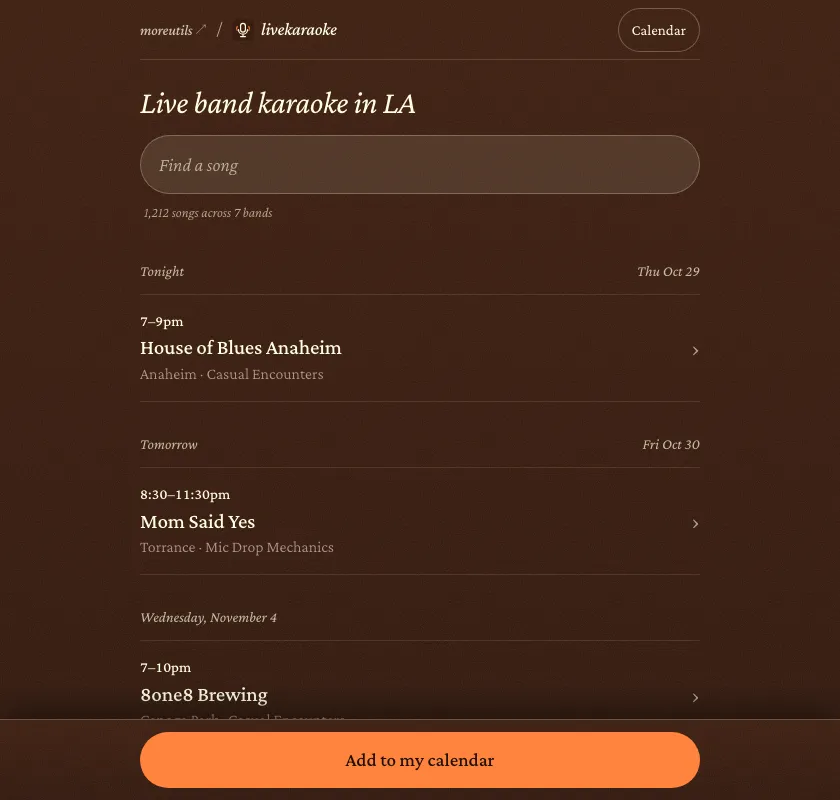
Find live-band karaoke nights around LA, or search for a song and see which bands play it. Check the set list before heading out for the night.
Livekaraoke architectureModel candidates pass through validation before becoming listings. R2 retains the source evidence.
Band and venue sources enter a listings service containing a refresh Workflow, Workers AI extraction, D1 listings, and a serving Worker. Model candidates pass through refresh validation before database writes. R2 retains source snapshots; browsers and calendars receive published listings.
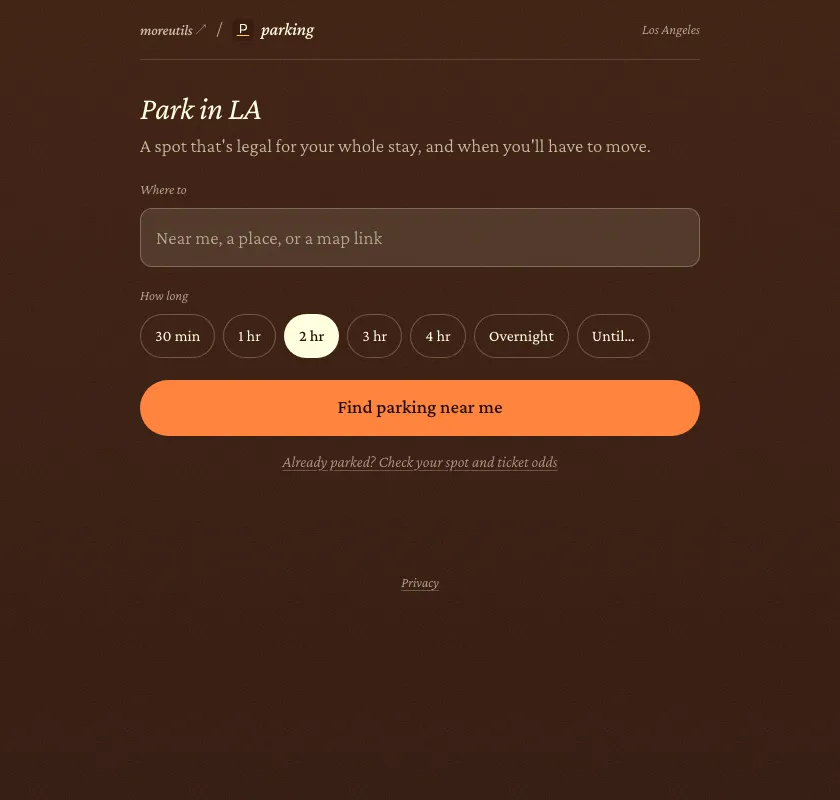
Check a curb’s rules against how long you plan to stay and set a move-by reminder. For a stop where street sweeping or a time limit might send you back to the car.
Parking architectureThe Worker computes the plan. A Durable Object schedules the move-by reminder.
Offline imports prepare curb and map datasets. Within Cloudflare, a Worker reads D1 curbs and R2 map and occupancy data to compute a plan, and a Durable Object schedules a move-by alarm. The browser presents the plan and reminders.
Send files between browsers with a link or QR code, adapted from FilePizza. Use it to move a file between your phone and laptop, or hand one to someone nearby.
Send: the app’s entry screen
A capture of Send’s public entry screen with its original illustrative homepage animation. The static poster shows the same screen under reduced motion.
Send architectureFile bytes travel over WebRTC. The server handles link setup; this app has no TURN fallback.
The sender reads local files and sends their bytes over WebRTC to a receiving browser for verification and saving. A separate connection service contains a Worker link API and a Durable Object signaling room.
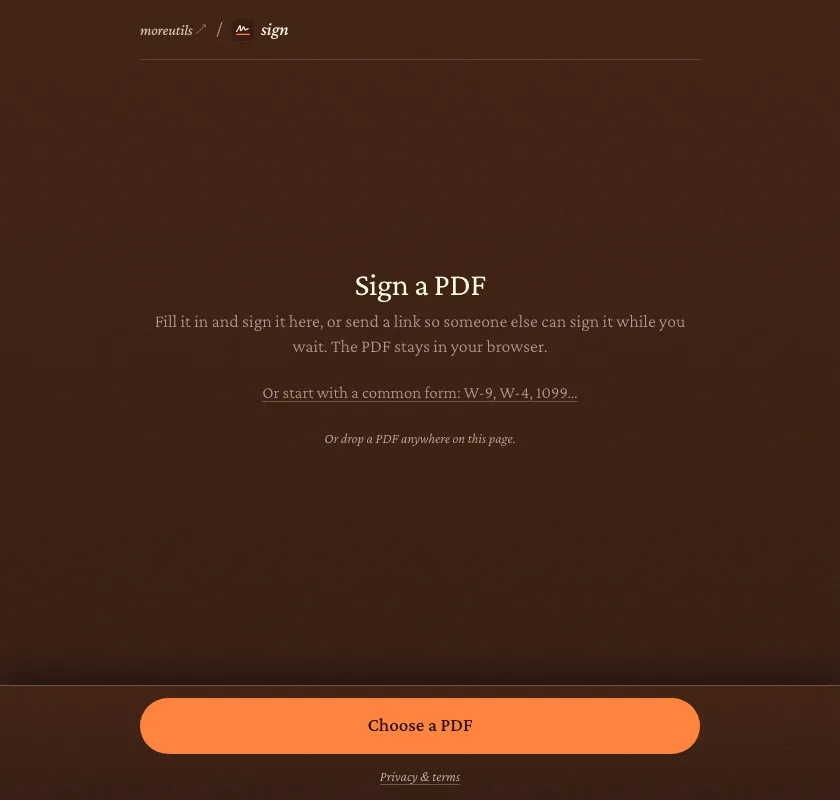
Fill in and sign a PDF, or invite someone to sign it with you, then save the finished copy. For forms that need a signature without printing, scanning, or emailing drafts back and forth.
Sign architectureThe signing room coordinates admission; filled PDFs travel between the browsers.
The host browser edits PDFs with PDF.js and pdf-lib and shares the document with a signer over WebRTC. Cloudflare hosts the link API and a Durable Object room for admission and connection setup.
Present a PDF across everyone’s browsers, with synchronized pages, pointers, drawing, and notes. For a small meeting or a room where people need to follow along on their own screens.
Slides: the app’s entry screen
A capture of Slides’s public entry screen with its original illustrative homepage animation. The static poster shows the same screen under reduced motion.
Slides architectureThe presenter owns live state and local deck history; viewers verify its signed reports.
The presenter orders and signs presentation state, saves decks and versions in IndexedDB, and sends PDFs and state over WebRTC to verifying viewers. Cloudflare hosts a room API and a Durable Object signaling relay.
Send someone a receiving link so they can encrypt a reply that only your browser can open. For a password or other private message you need to exchange through an existing chat.
Secrets: the app’s entry screen
A capture of Secrets’s public entry screen with its original illustrative homepage animation. The static poster shows the same screen under reduced motion.
Secrets architectureDefault mode: receiving keys stay in the recipient’s Web Worker. The hosting Worker serves static files.
In the default exchange, the recipient holds a non-exportable X25519 key in a local Web Worker, which decrypts replies for the reveal interface. The sender encrypts local plaintext with HPKE. A public receiving link travels out through chat or QR, and ciphertext returns.